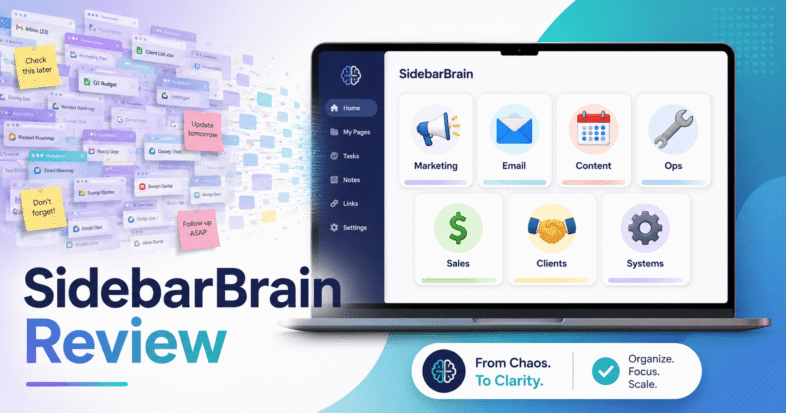
SidebarBrain Review: The $27 Dashboard That Gave My One-Person Business an Org Chart
I loaded my whole business into SidebarBrain for a week. Honest review of the $27 browser dashboard, its 9 AI Skills, and who should skip it.
Affiliate disclosure: I earn a commission if you buy through the links on this page. It costs you nothing extra, and I only write these up when I’ve actually opened the product.
I have a bookmark folder called “AI stuff.” It has 214 links in it. I know that number because I counted it the week I sat down with SidebarBrain, and counting it was the moment I realised the problem was never that I lacked tools. It was that I had no idea where any of them lived.
SidebarBrain is a $27 browser-based dashboard from Melody and Sharon at NimbleAF that tries to fix exactly that. Not with another cloud app you log into, and not with a subscription. It’s a single dashboard that opens in a browser tab, installs to your dock or taskbar like a real app, stores everything on your own machine, and organises your business the way a company is actually organised: by department.
Here’s my full review after loading my own business into it.
What SidebarBrain actually is
Strip away the sales copy and SidebarBrain is a personal command centre with four moving parts:
- Departments. It ships with seven — Marketing & Traffic, Communications, Content Studio, Product Development, Sales & Copy, Customer Support, and Operations & Admin. Each one is a card holding its own AI assistants, bookmarks, notes and tasks. You can rename them, reorder them by drag-and-drop, or add your own.
- Nine pre-built AI Skills. These are the part that surprised me. They aren’t placeholder cards — they’re complete personas with instructions you install into Claude, ChatGPT or Gemini using the included guide. Cara handles content repurposing, Digi walks you from idea to launched product, Instar does Instagram growth, Ivy writes newsletters, Juno builds email campaigns, Lila runs an affiliate program, Max plans editorial calendars, Vex writes hooks, and Theo writes landing page copy.
- A Today screen. Open tasks pulled from every department, upcoming calendar dates, your pinned assistants, and an autosaving brain-dump box.
- The utility layer. A launch calendar, instant search across everything you’ve saved, a prompt library with one-click copy, light/dark toggle, and export/import backup.
You get two editions for the one payment: an App Edition that installs from a private link and updates itself for free, and a File Edition — the same dashboard as a single file that works with no internet at all.
A real use case: Dana’s Tuesday morning
Abstract feature lists don’t tell you much, so let me walk through the exact scenario that convinced me this was worth the $27.
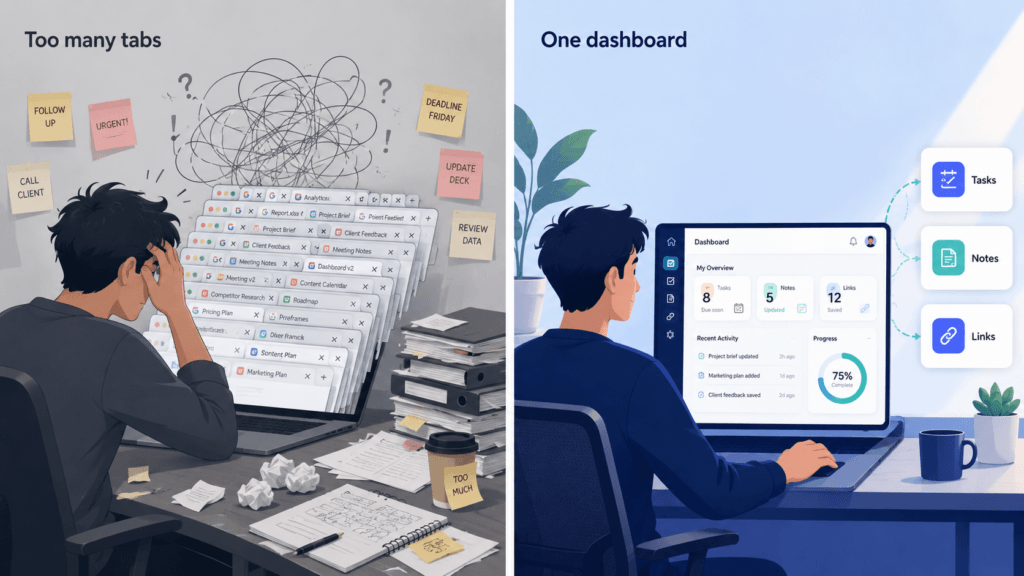
Say you’re Dana. Dana sells digital planners, runs a small newsletter, and has a product launching in three weeks. On a normal Tuesday, Dana’s morning goes like this: open laptop, stare at 31 tabs, remember she needs to write the launch emails, spend six minutes hunting for the custom GPT she built for email sequences, find it, get distracted by a Slack notification, forget what she opened the GPT for, close the tab.
That’s not a discipline problem. That’s a filing problem, and it costs her twenty minutes every single morning.
Here’s the same Tuesday with SidebarBrain, step by step:
- She clicks the HQ icon in her dock. It opens in about a second in its own window — not a browser tab that gets lost behind 30 others.
- The Today screen loads. Three open tasks are showing: “write launch email 1,” “brief the cover designer,” “back up dashboard.” The calendar strip shows her launch date is 19 days out. Her three pinned assistants sit at the top.
- She clicks Juno, her pinned email assistant. One click, straight into the campaign builder she set up. No hunting. She writes email one.
- Mid-draft she has an idea for a bonus. Instead of opening a notes app she’d never reopen, she types it into the brain-dump box on the Today screen. It autosaves. It’ll still be there on Thursday.
- She opens the Communications department and clicks through to her email platform from the bookmark sitting right next to the assistant that just wrote the email. Same card, same context.
- Before closing, she opens the Launch Calendar and drops “cart opens” onto the 26th, plus two reminder-email dates behind it.
Total elapsed time on the “where did I put that?” tax: roughly zero. That’s the whole pitch, and it’s the reason I stopped evaluating this as an AI product and started evaluating it as a workflow product.
The nine AI Skills, honestly assessed
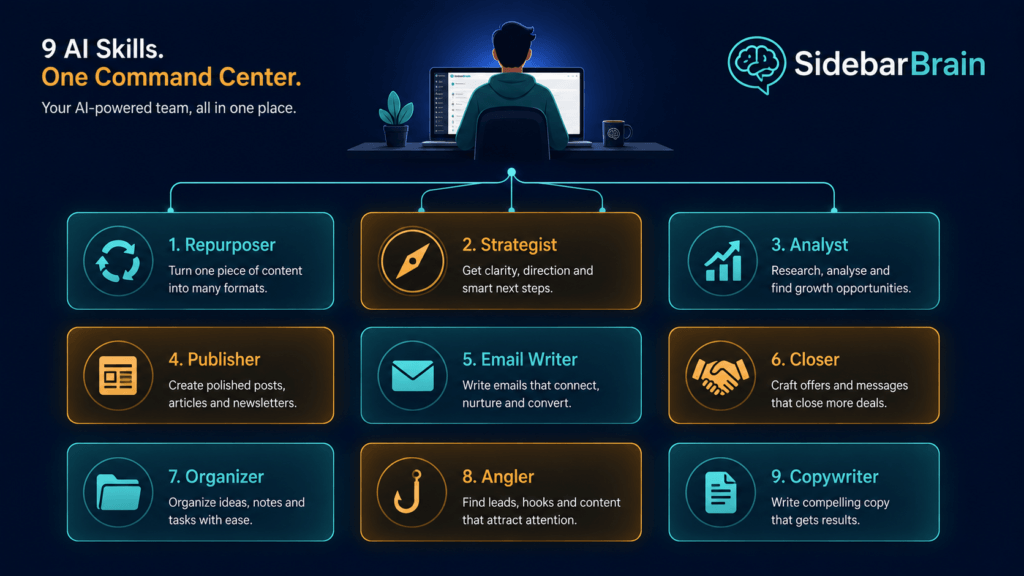
This is where I want to be precise, because it’s easy to misread. SidebarBrain does not include AI. It includes nine well-written skill definitions — personas plus workflows — that you install into an AI platform you already use. The guide walks you through it, and they work as Claude Skills or as custom GPTs on a free ChatGPT account.
Is that a downside? I’d argue the opposite. It means there’s no API key to buy, no credits to top up, no vendor lock-in, and no monthly fee riding on top of the AI subscription you’re probably already paying for. It also means the quality of the output depends on your AI platform, not on SidebarBrain — which is a healthier place for that dependency to sit.
Of the nine, Theo (landing page copy) and Cara (content repurposing) were the ones I reached for most. Digi, the digital product mentor, is the sleeper — it walks you from a rough idea through MVP scope and a launch plan, which is exactly the stage where most solo product people stall.
What I liked
- Your data stays yours. Everything lives in your own browser on your own computer. Nothing uploads. The export/import backup means moving machines is one file.
- It opens instantly and works offline. No login screen, no loading spinner, no “session expired.”
- No subscription. One $27 payment including free updates. In a market where every dashboard wants $19/month forever, this matters more than any single feature.
- Drag-and-drop everything. Cards, links, sections and whole departments. You bend it to your brain instead of the reverse.
- No WordPress required. This is the WordPress-free sibling of their earlier system, so it runs in any modern browser.
What to be aware of
Three honest caveats.
First, local storage cuts both ways. Your data staying on your machine is a privacy win, but it also means you are the backup department. Do what one of their reviewers did and put a recurring backup reminder in the calendar on day one.
Second, it’s a dashboard, not automation. It won’t post for you, send your emails, or do the work. It removes friction and decision fatigue. If you’re expecting a tool that runs the business itself, adjust expectations.
Third, there’s a setup cost. Installing nine AI Skills and populating seven departments with your links, prompts and notes is an hour or two of real work. The included 10-Minute HQ Setup Guide gets you to a working dashboard fast, but a genuinely loaded HQ takes an afternoon.
The launch bonuses
Through launch week there are three: the Power Prompt Vault (50 copy-paste prompts organised by department, $27 value), the AI Staff Blueprints (paste-ready instructions to build Remy, a support-reply assistant, and Otto, a weekly-review ops manager — $27 value), and the 10-Minute HQ Setup Guide ($9 value). $53 of bonuses on a $27 product. The Prompt Vault is the one that actually earns its keep, because it solves blank-dashboard syndrome on day one.
Who should buy it — and who shouldn’t
Buy it if you’re a solopreneur, digital product seller, content creator, coach, or AI power user whose current system is “31 tabs and vibes.” Particularly if you’ve been collecting custom GPTs and prompts faster than you can find them again.
Skip it if you already run a disciplined Notion or Obsidian setup that you genuinely use every day. SidebarBrain’s advantage is speed and simplicity, not depth — if you need relational databases and team collaboration, this isn’t that.
The verdict
SidebarBrain is $27, one time, with a 30-day “actually use it” guarantee and no subscription ever. It’s the rare product where I can point at the specific twenty minutes a day it gives back, and the nine included AI Skills are worth more than the asking price on their own — they’d cost you a weekend to write yourself.
Bookmarks are a filing cabinet. A link list is a sticky note. This is the first thing I’ve used that behaves like an actual headquarters.
>> Get SidebarBrain here for $27 (launch bonuses included)
30-day guarantee. Instant download. Bonuses through launch week only.
More tools I’ve reviewed for solo operators
SidebarBrain organises the business. These two build the things that go in it:
- Page Sniper review — the $12.95 browser extension that reads the structure behind any converting sales page, then works out where a buyer stalls after paying so you know exactly what bonus to offer. Pairs naturally with SidebarBrain’s Sales & Copy department.
- List Builder AI review — Britt Malka’s $17 guided system for building a complete email list funnel from scratch. If SidebarBrain’s Communications department is sitting empty, this is what fills it.
FAQ:
1. Is SidebarBrain a subscription? — No. One $27 payment, free updates, no recurring fee.
2. Do I need a paid ChatGPT account? — No. The 9 AI Skills work on a free ChatGPT account, or as Claude Skills.
3. Do I need WordPress? — No. It runs in any modern browser.
4. Where is my data stored? — Locally in your own browser. Nothing uploads.